
There are so many ways to start a new year. I feel like I’ve tried most of them, if not all. I am neurospicy, and I’ve thrown a lot of noodles at the wall to see what actually sticks. I’ve had a word of the year, a song, a phrase. I’ve divided my life into categories and made goals in each one. I’ve done nothing at all.
One thing I do know about myself is that I love planning. Does it always work out? No. Does it take away the stress? Also no. But my brain is chaos on most days, filled with lots of thoughts all happening at once, and I struggle to prioritize things that don’t have a deadline. So, I need a good system and a good routine to follow, and the best routines and systems are ones that I have tried, failed, adjusted, and tried anew. And I have two that I will share with you.
First, my brain. That’s what I call it. It’s an Excel sheet. It has just about everything in my world on it. It helps me with time management and to look at things from a big picture perspective to see how everything is connected. I’ll share how I build it:
The columns are merged at the top into sections. The first section is called Calendar. It has the date, day, moon cycle, and month with any monthly themes. The second section is called Important Days of Note. This includes holidays, milestones, birthdays, anniversaries, and travel days.
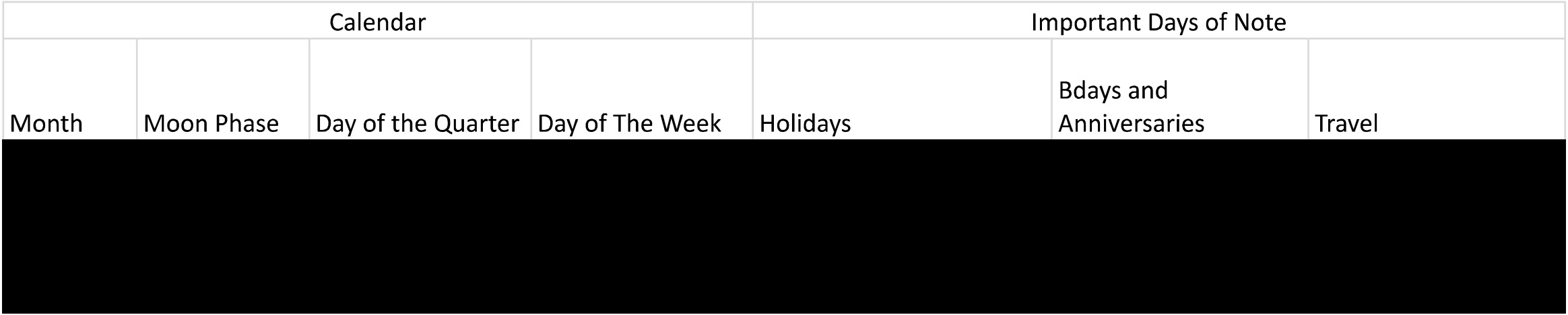
The next sections are my kid’s school (a column for school events, one for extra curricular activities, and another for myself as a Room parent), work (each job has its own column), and church (one column for book club and another for other activities or events).

Then there is a blanket section called Home which covers house tasks, exercise, and other things I plan. A section for entertainment is next – any movies, theater, or tv series that I want to watch in their respective columns.

Then, it’s social media – columns to post on Facebook, Instagram, or other platforms.

And the final section is written content. This includes my newsletter, blog posts, book club emails, and anything else that I’m currently writing.

I love an excel because I can easily add more columns to a section. I can black out things I’ve already done. And I can create deadlines and break up tasks for projects. I can plan vertically and then see how they connect horizontally. It helps me create a task list for my day.
Second, I feed all these tasks into my Motion App which helps me figure out when I will be working on these things throughout the day. My Excel’s smallest increments are days, so Motion will take that and cut it down into hours and minutes. Also, Motion only goes a few days in advance while I can use excel to see further into the future. Both applications help where the other is limited. I can’t see how one section relates to another using just Motion, and I can’t adjust my schedule when things come up on an excel, so I use both.
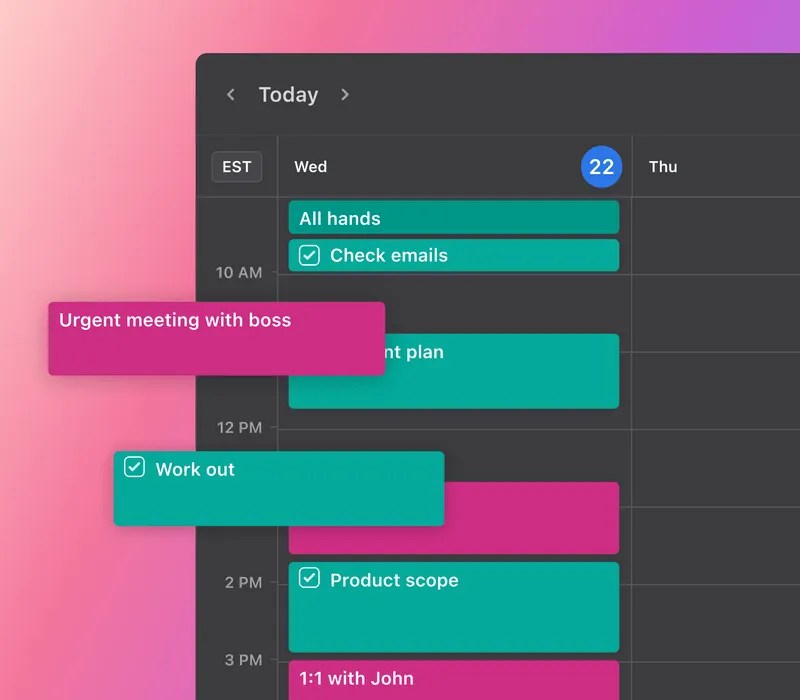
I’m not paid to promote Motion, but I haven’t found a software equivalent yet that does what Motion does. And believe me, I tried, because Motion is not cheap. But I really like that it will create my day, send me reminders, and let me know when things are about to go past their deadline and help me decide which is more important – meeting the deadline, or working on other tasks first.
I’m not saying that any of these things will work for anyone else, or that it always works for me. I’m sharing them because these help me remember my priorities when I’m at the height of chaos. Plus, they bring a little flexibility and grace to my day because my days never go quite how I plan them. Am I going to be all productive all the time? No. That’s not even a goal this year. But the reality is that life continues on and if I want to do things that are important to me, I know I need to find some way to do them. And these two systems help me harness the chaos and do just that.


 Katy's Life Story
Leave a comment